
Digital Marketing Agency, Different.
SERPCOM projects are built to drive traffic, leads and conversions.
SERPCOM is an SEO-first Boston digital marketing agency focused on improving online visibility to increase traffic and raise revenue for our clients.
Founded by a team from a leading online newspaper consortium, our offerings are distilled technological discoveries from years of research and real world testing with massive online audiences.
Our Prometheus Publishing Platform uses cutting edge automation and deep keyword targeting strategy to give an enterprise-level online presence for our clients.
SERPCOM: A Search Engine Results Page COMpany…and more.

Web Design
Our experienced web professionals build beautifully crafted websites.
Web Design & Development Services »

SEO Services
Every good company deserves to be found online. We can help.
SEO & Managed Services »

Digital Marketing
A fundamentally better approach to online marketing.
Online Marketing Services »

Search Engine Marketing
We create SEM success by focusing on the 80% of a campaign others ignore.
Search Engine Marketing & PPC »

Display Ads
Highly transparent and extremely effective display advertising campaigns.
Display Advertising Options »

Social Media Marketing
Social media presence is a critical component of your online brand quality.
Social Media Management Services »
“In my 8 years at Godbout Law, the first inquiry we ever received from the public through our website came within days after SERPCOM rebuilt and relaunched our website.”

John A. Mangones, Esq., Attorney, Godbout Law PLLC
“The results have been even better than I anticipated! My website is consistently ranked at the top in Google searches which has resulted in more customers visiting my site and higher customer conversion. I highly recommend working with the SERPCOM team!”

Liz Henry, Owner, Hearten Home
“These folks have captured lightning in a bottle. No one knows SEO and social media like they do.”

Chris Stephenson, Co-Founder/Chairman, OnWords, Inc.
“I could not be happier. The SERPCOM team is very responsive and easy to work with. Thank you!!”

Dayna Lally, Immigration Attorney, Lally Immigration Services, LLC
“SERPCOM rebuilt my site and a few months later I started getting calls out of the blue. One for a $60k project. I’m ranked number 1 in Boston. It’s really unbelievable.”

Mark Forrester, Founder, Marcus Myles Media
“They’ve proved their worth and made me feel confident about increasing my marketing budget.”

Sara Stanton, Owner, Cara Group Travel
“The experience has been terrific; they taught me a lot.”

Ed Hurley, Marketing Director, Faneuil Hall Marketplace
Marketing Strategy Done Right
You wouldn’t take a trip without planning your route. SERPCOM projects begin with a plan, and then take flight.
We infuse SEO into the DNA of your site at every level, pairing rock-solid SEO with beautiful site design, and a focus on optimizing leads and conversions. With this strategy, SERPCOM delivers the total package, and our clients consistently see results that far surpass industry standards.
Want to learn more? We hope so!

A Selection of Recent Work

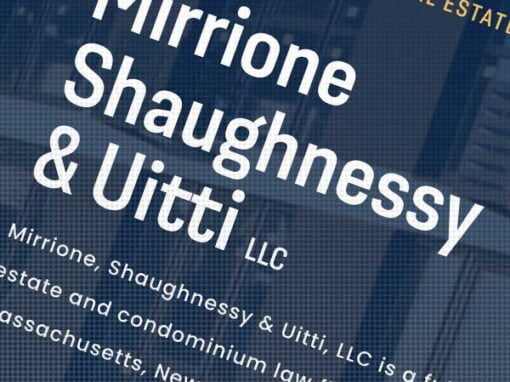

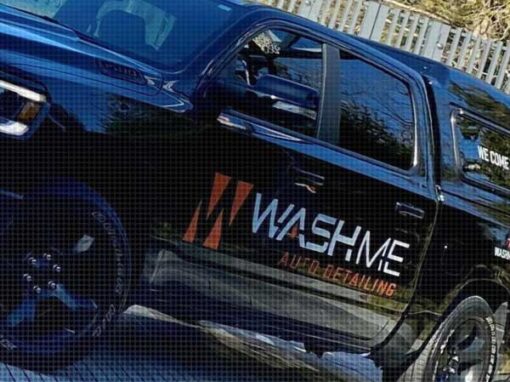
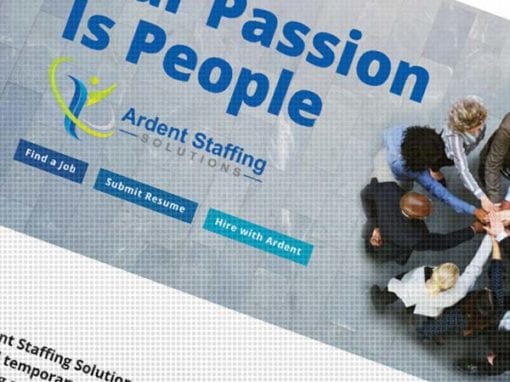



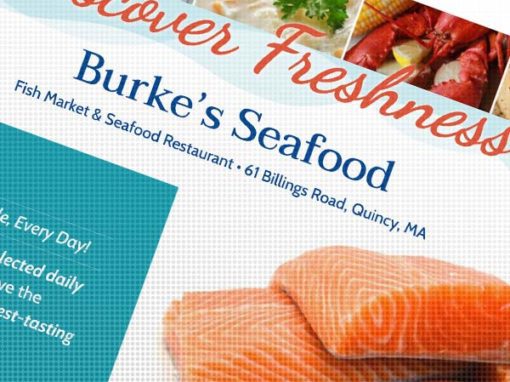

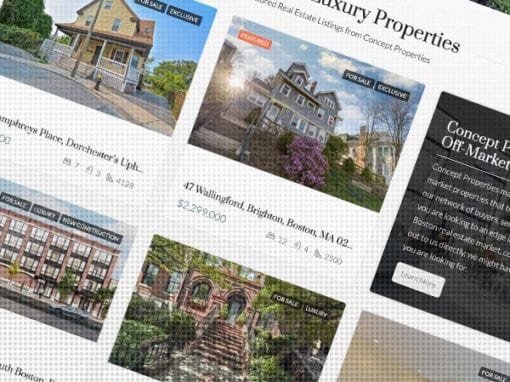

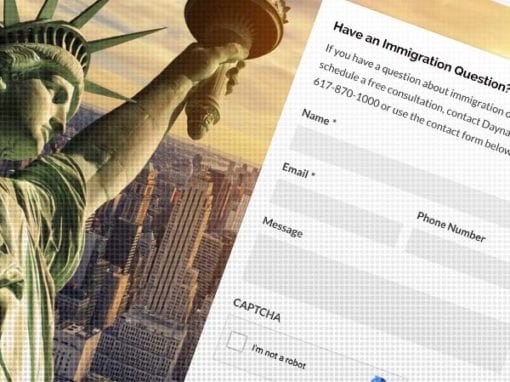
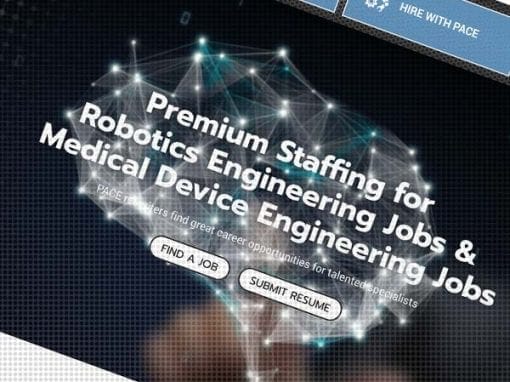

We build websites, and we drive traffic there.
Maximize the value of your website and turbo charge your online marketing efforts with SERPCOM. Contact us and start making the web work for you.